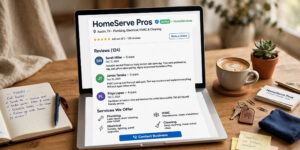
How to Register as a Service Provider on MHDI

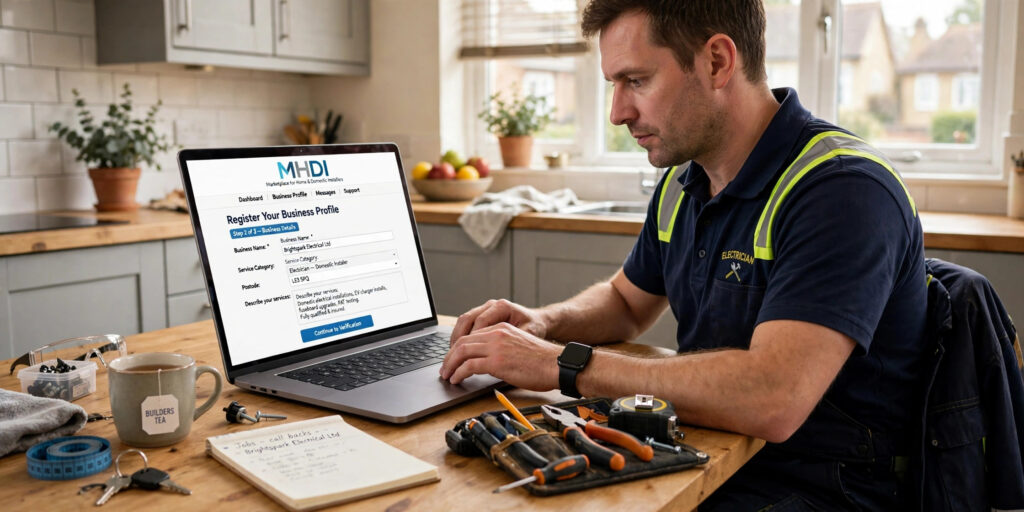
If you are a painter, plumber, electrician, carpenter or any other home trade professional in the UK, MHDI is one more place customers can find you. It is a home decor and repair directory: people come for ideas, then look for a local professional to carry the work out. Registering as a service provider puts your business in front of those people, in the city you actually work in.
This guide walks through the registration itself, what MHDI asks for, and the small things that make a new profile look trustworthy from day one. It only covers what the site shows publicly. Anything that happens inside the provider dashboard after you sign in is not described here, because it is not visible from outside.
Before you start: what you will need
Registration is a short form, but it goes faster if you have the details ready. You will need a first and last name, a username, an email address you actually check, a mobile number, and a password of at least eight characters. You will also need to pick your business category and your city.
Have the business side ready too. Know the exact name customers should see, the services you offer, and the areas you cover. A painter who only works in south Manchester should say so, rather than listing the whole of Greater Manchester and then turning jobs down. Customers remember the second experience far longer than the first.
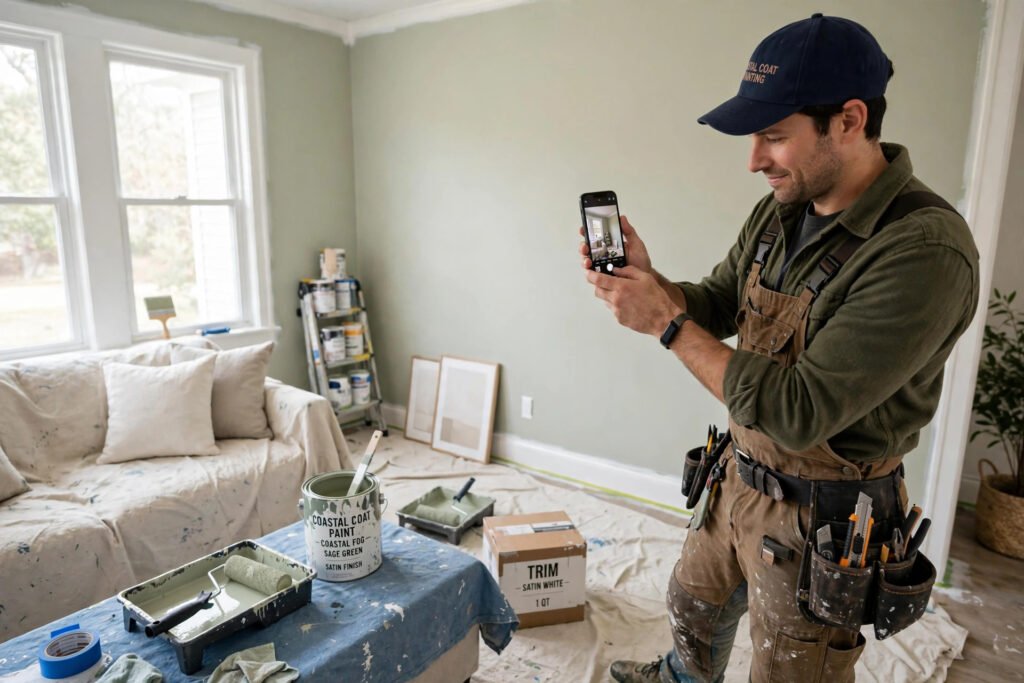
It also helps to have one or two decent photos of finished work on your phone. MHDI profiles show services and contact details, and photos are what separate a profile that gets a call from one that gets scrolled past. You do not need a professional shoot. A clean, well-lit photo of a finished room does the job.
Customer or provider: pick the right account type
MHDI has two account types, and the choice matters because each one sees a different side of the site.
| Account type | What it is for | Who should pick it |
|---|---|---|
| Customer | Book services | Homeowners and tenants who want work done |
| Provider | Offer services | Tradespeople and home service businesses |
If you are here to offer services, choose Provider. A customer account cannot list a business. If you already have a customer account and now want to offer services, register separately as a provider rather than trying to convert the account. That keeps your bookings and your business cleanly apart.
Registration in five steps
The whole process happens on the MHDI login and register page. Here is the order it follows.
- Open the register page. Go to the login and register page and choose the register option. The form asks for account type first, so pick Provider before you type anything else.
- Enter your personal details. First name, last name, username, email and mobile number. Use your real name and a mobile number you answer, because customers will use it to reach you.
- Set a password. It must be at least eight characters. Pick something you can remember but nobody else can guess, and do not reuse a password from another site.
- Choose your business category and city. The form lists the trade categories MHDI covers, from Painting & Decorating and Plumbing & Heating to Carpentry & Joinery and Handyman Services. Pick the one that matches your main work, and the city where you actually take jobs. MHDI covers cities including London, Manchester, Birmingham, Leeds, Edinburgh, Glasgow, Bristol, Sheffield, Newcastle upon Tyne, Liverpool, York and Cardiff.
- Submit and check your inbox. Once the form is sent, check your email for any confirmation message and follow what it says. If nothing arrives within a few minutes, check spam before trying again with a second account, because duplicate accounts cause more trouble than a short wait.
That is the full public registration. There is no fee shown for creating a provider account on the public pages, and no payment step in the form.
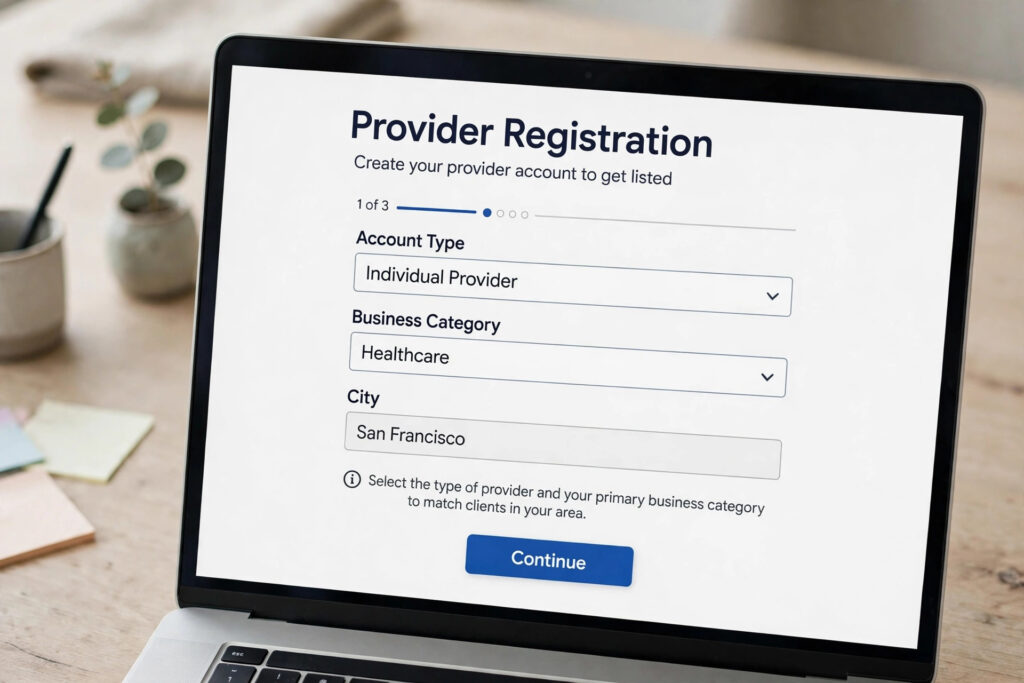
What to do right after you register
Registration only creates the account. The profile is what wins work, so fill it in before you expect any enquiries.
Start with services. List each service separately with a clear name and a price in pounds where the site asks for one. MHDI service pages show a price, a bookings count, views and reviews, so a service with a clear price looks far more real than one with the price left blank. The example on the site, interior house painting at £160.00, shows the format customers expect.
Next, write a short business description in plain words. Say what you do, where you work, and how long you have been doing it. Skip the grand claims. “Painter and decorator in Leeds, ten years, mainly flats and terraces” tells a customer more than a paragraph of superlatives.
Then add your opening hours and contact details. MHDI profiles show opening hours and offer WhatsApp and phone contact, so fill those in accurately. A profile that says it is open on Saturdays but never answers on Saturdays will not stay trusted for long.
Finally, check the MHDI About page and read how the site describes verification. MHDI says it only describes a business as verified when it has actually checked it, and that it vets providers for quality and safety. Your profile should be accurate enough to stand up to that check.
Common problems when registering
The form will not accept my password. The minimum is eight characters. A longer password with a mix of letters and numbers avoids the problem entirely.
I picked the wrong city or category. Do not register a second account. Sign in and correct the details on your profile, or contact MHDI at hello@myhomedecorationideas.com and ask for help changing them.
I never got a confirmation email. Check spam and promotions folders first. If it is still missing after an hour, contact support rather than registering again with a different email, because two accounts for one business will confuse customers and the MHDI team alike.
I want to list more than one trade. Start with your main category, then add the other services to your profile once the account exists. A joiner who also does small plastering repairs is better off listing both services under one solid profile than splitting them across two thin ones.
A quick note on getting your first clients
Registration is the easy part. The work starts after it. Complete profiles with real services, clear prices and honest descriptions get the first enquiries, because customers compare profiles side by side before they contact anyone. If you want a head start, read our guide on the handyman services on MHDI to see how service pages present themselves, and look at the practical guides on the site, like how to change a door handle and latch and draught-proofing sash windows, to see the kind of useful content customers read before they hire.