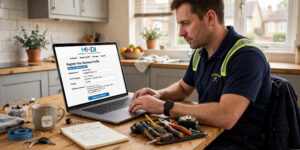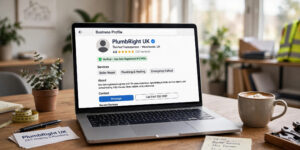
How to Get a Blue Tick on MHDI Business Profile

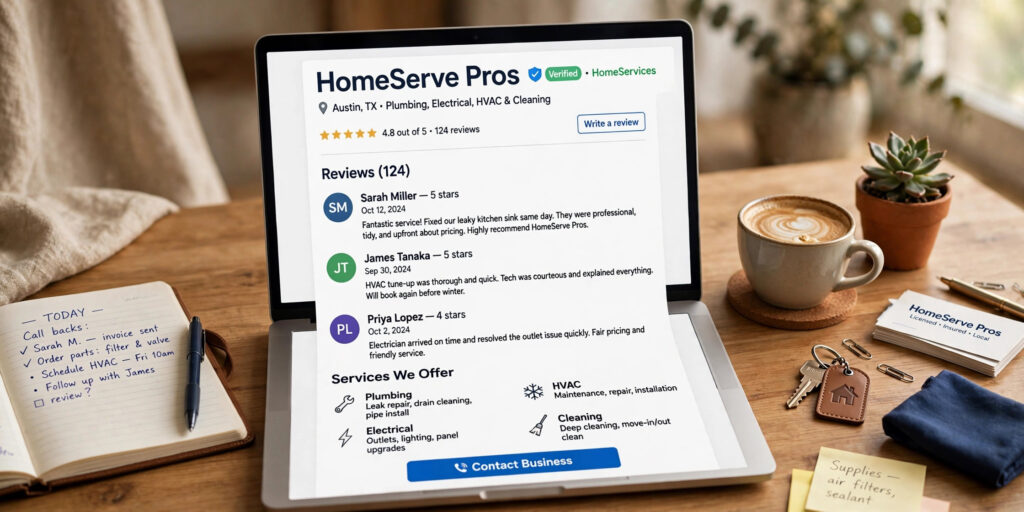
Every tradesperson on a directory wants the same thing: a mark on their profile that tells customers, at a glance, that this business is real and checked. On many platforms that mark is a blue tick. So the natural question for a provider on MHDI is how to get one on their business profile.
The honest answer is less exciting than the question, but it matters: the public pages of MHDI do not show a blue tick badge anywhere. What the site does show is a verification system, and understanding that system is far more useful than chasing a badge that may not exist on this directory.
What the blue tick means on other directories
On social media and on some trade directories, a blue tick next to a name means the platform has confirmed the identity behind the account. Customers have learned to read it as a shortcut for trust: this business is who it says it is, and someone has checked.
That expectation travels with customers. When they arrive on MHDI, they look for the same kind of shortcut, even if it is called something different. They scan the profile for the signs that the business is real: a proper business name, a city that matches where they live, services with prices, reviews from real customers, and some mark that the directory has looked at the business.
So the question behind the question is not really about a blue tick. It is: how do I get MHDI to show customers that my business has been checked? And that question has a real answer on this site.
What MHDI shows instead
MHDI does not publish a blue tick badge on its public pages. What it does publish is a verification promise, in two places.
The homepage says, under Verified Experts: “We thoroughly vet every service provider to ensure you get the best quality and safety.” The About page says: “We only describe a business as verified when we have actually checked it.”
That is the system on this directory. There is no public badge with a different name, no published list of verification steps, and no fee shown for it. The verified status is the mark, and MHDI applies it after checking the business. If a blue tick appears inside your provider dashboard one day, it will be part of that same checking process, not a separate thing you apply for on the public site.
How to work towards verified status
Since verification follows a check of the business, the practical work is making the business easy to check and hard to doubt. That breaks down into four parts.
First, complete the profile. Every field the profile offers should be filled in: services with clear names and prices in pounds, the areas you cover, opening hours, and contact details that work. A profile with blank fields is a profile that cannot be checked properly, and it is also a profile customers skip. List the trade categories that match your real work, from the twelve MHDI covers, and the city where you take jobs.
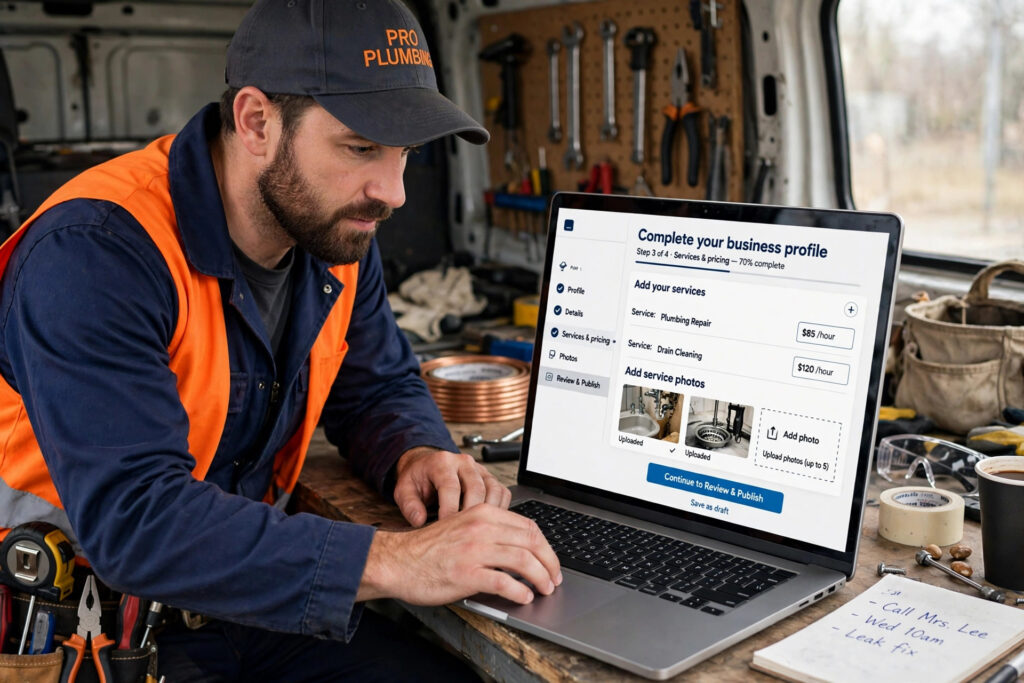
Second, keep the details true. The business name, the city, the services and the prices should match what a customer finds if they look you up elsewhere. If the profile says you work in Leeds and your van says Manchester, something is wrong, and a customer who spots it will not book. Consistency is the cheapest trust signal there is.
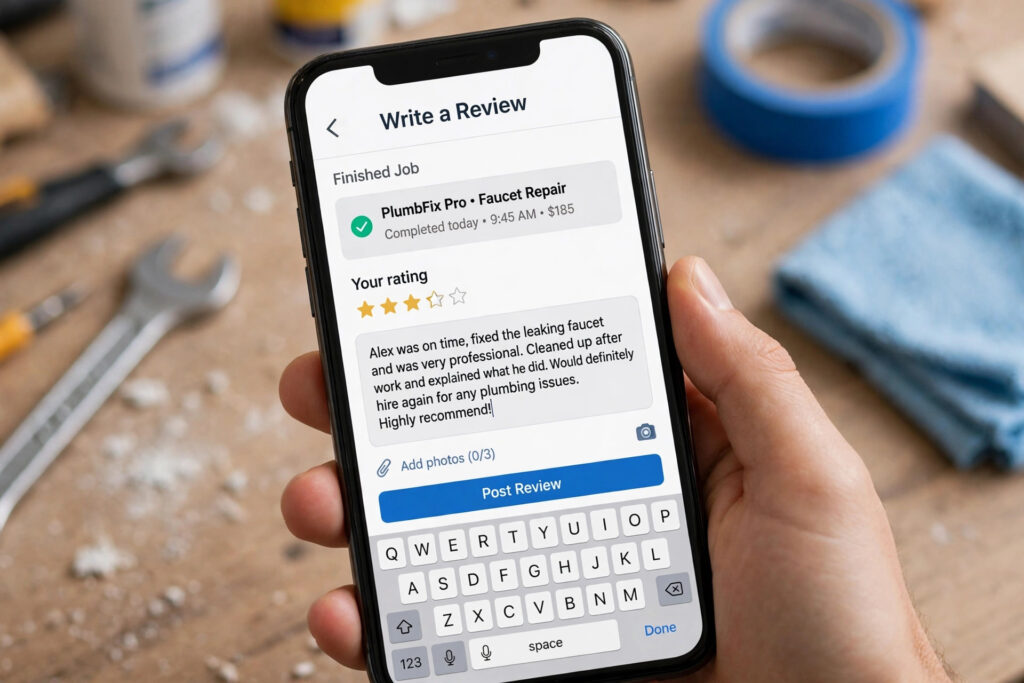
Third, build a review record. MHDI says it does not publish fake or paid reviews, and its Review Policy explains how reviews are handled. That means the only reviews that count are real ones from real jobs. Ask each happy customer for a short review right after the work is done, and send them the link to your profile. A steady trickle of genuine reviews over months is worth more than a sudden burst.
Fourth, behave like a verified business before you are one. Answer enquiries within hours, not days. Turn up when you say you will. Charge the price you listed. Verification is a check of the business, and the business is what you do every day, not what you write in the profile.
If your dashboard shows a verification prompt
Some providers will see a prompt or a task inside their dashboard asking them to complete verification. If you see one, follow it exactly as written. It is the current instruction from MHDI, and it replaces anything you read in a blog post, including this one.
Do not share your password with anyone who contacts you about verification, and do not pay anyone who offers to get you verified faster. MHDI shows no fee for verification on its public pages, and no third party can speed up a check that MHDI carries out itself. If something about a verification message feels off, contact MHDI directly at hello@myhomedecorationideas.com and ask whether it is genuine.
What not to do
Three mistakes come up again and again, and all three make verification harder rather than easier.
Do not buy reviews or badges from anyone. MHDI does not publish fake or paid reviews, so a bought review is at best wasted money and at worst a reason for the profile to be treated with suspicion.
Do not list services or cities you do not cover. A profile that claims everything is a profile that can be checked against reality in one phone call, and the result is not good.
Do not copy another business’s description or photos. Customers notice, and so does a verification check. Your own words and your own photos of your own work are the only ones that help.
The blue tick is a symbol. What customers actually want is the thing it stands for: a real business, checked by the directory, with real reviews and real prices. On MHDI that is the verified status, and the way to it is a complete, accurate profile and steady good work. If you have not registered yet, the register page is the starting point. Read the MHDI About page for the exact verification wording, see how services look in handyman services, and look at the guides your future customers read, like installing a water butt and draught-proofing sash windows.